
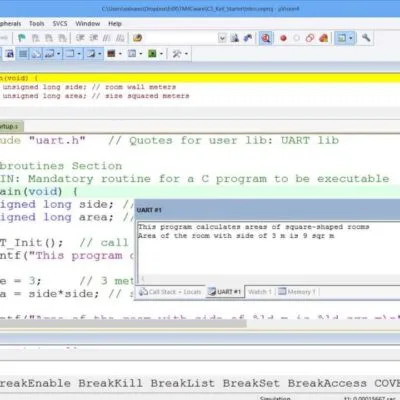
COMPUTER FORM 5 – C-PROGRAM (1)
StringsIn C++ strings are really arrays, but there are some different functions that are used for strings, like adding to strings, finding the length of

COMPUTET As LEVEL(FORM FIVE) NOTES – C-PROGRAM
C-PROGRAMTHE ORIGIN OF C++The C programming language was developed at AT&T for the purpose of writing the operating system for the PDP-11 series of computers

COMPUTER A LEVEL(FORM SIX) NOTES – DATA COMMUNICATION AND NETWORKING
DATA COMMUNICATION AND NETWORKINGINTRODUCTION ? Communications has extended our uses for the microcomputer.? Communication systems are the electronic systems that transmit data over communications lines

COMPUTER FORM 5 – STRUCTURES
UNIT – 7STRUCTURES What is a Structure? Structure is a method of packing the data of different types. When we require using a collection of

COMPUTER A LEVEL(FORM SIX) NOTES – I.T AND ENVIRONMENT
I.T AND ENVIRONMENTWHAT IS ICT?Information and Communication Technology (ICT), as the term suggests, includes both information processing technology and information communication technology. Information processing technology

COMPUTER FORM 6 – VISUAL PROGRAMMING
VISUAL PROGRAMMINGVisual Basic Coding Standards (VBCS)WHY HAVE CODING CONVENTIONSVisual Basic design and coding conventions are important for a number of reasons:· Software is read many

COMPUTER A LEVEL(FORM SIX) NOTES – DATA STRUCTURE AND ALGORITHMS
DATA STRUCTURE AND ALGORITHMSData Structure Computer Science is the study of data, its representation and transformation by Computer. For every data object, we consider the

COMPUTER A LEVEL(FORM SIX) NOTES – AN INTRODUCTION TO VISUAL PROGRAMMING USING VB.Net
AN INTRODUCTION TO VISUAL PROGRAMMING USING VB.NetContents1. Windows Environments2. Programming Languages3. VB.NET4. Creating a MID Application5. Starting a new project6. Saving the Project7. The elements